01
Delegate with a clear scope.
Assign an S3 account to a person or a group from Admin. Give them Manager access, with a clear separation from platform and cluster administration.
Explore the workflowS3 management. Built for Ceph.
Give your teams the freedom to manage their storage. Keep your Ceph infrastructure, access and governance in your hands.
Explore BucketReef in your browser with demo data. No setup required.View on GitHub
01Delegate administration
02Keep ownership
03Work in the right scope
01 / Manager
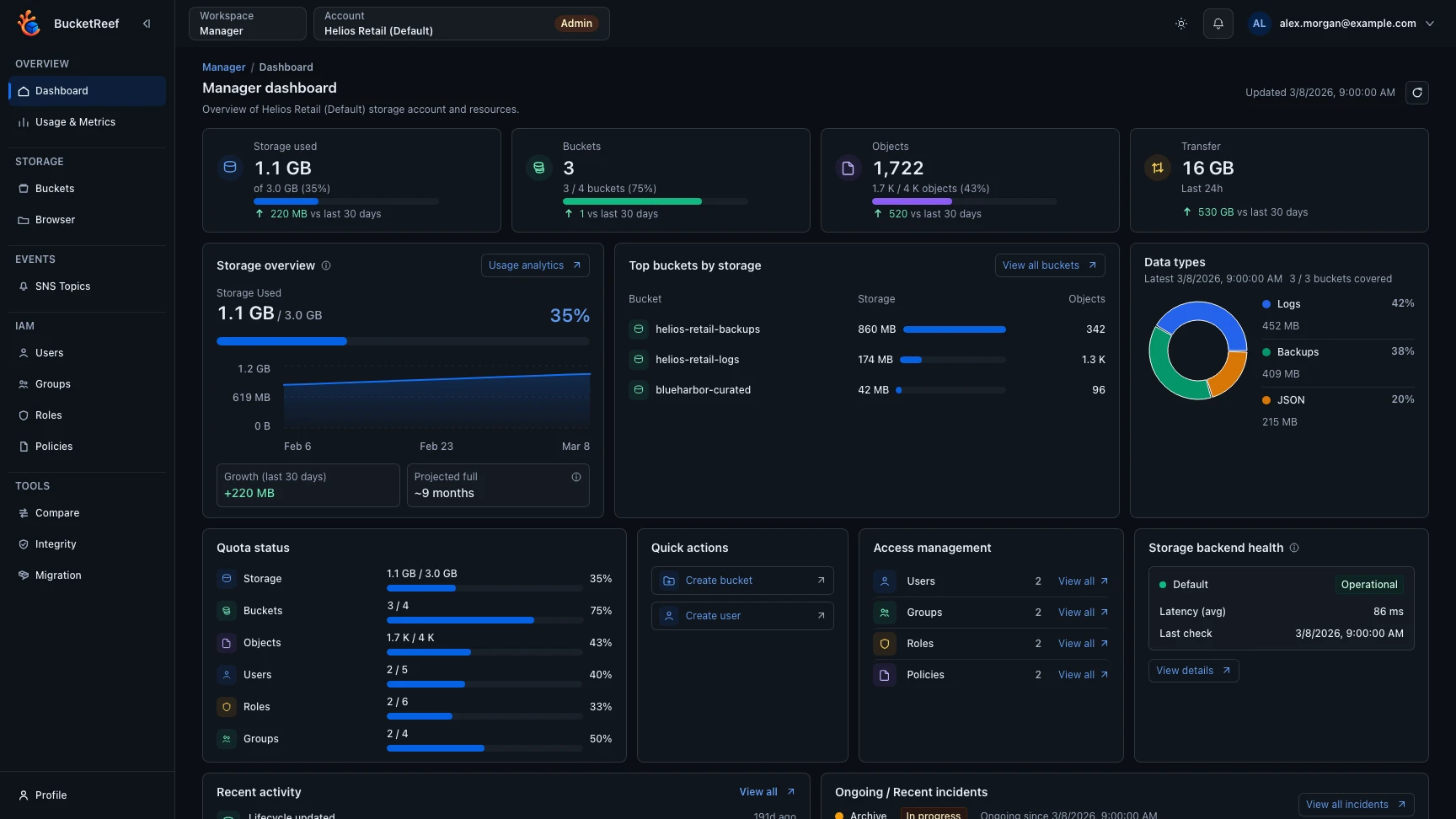
Hand over day-to-day S3 administration with a workspace scoped to the right account. Your teams manage their resources. You govern the platform.
Assign an S3 account to a person or a group from Admin. Give them Manager access, with a clear separation from platform and cluster administration.
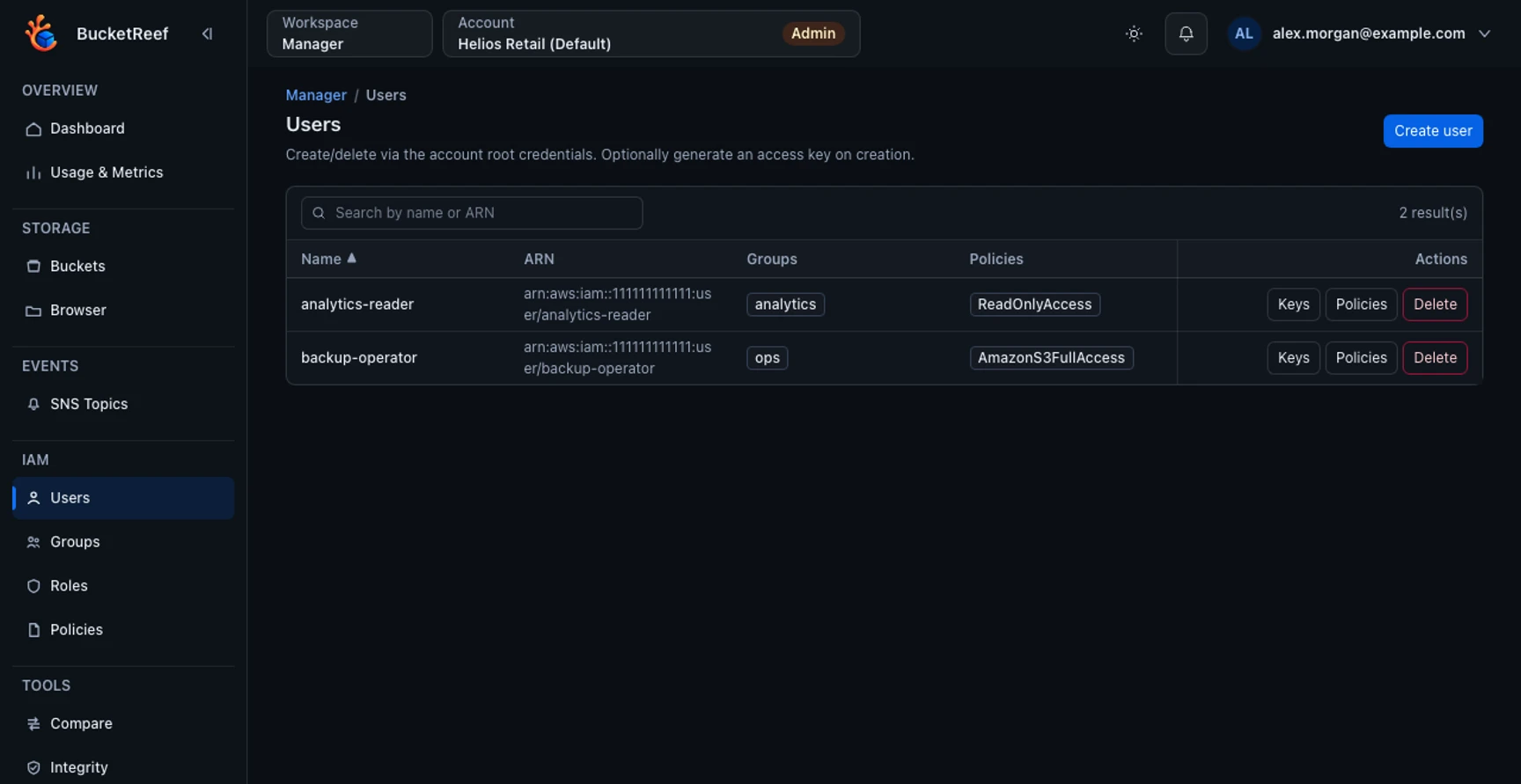
Explore the workflowUsers, groups, roles and policies, together in one place. Give account administrators the tools to manage native IAM without losing sight of the selected account.
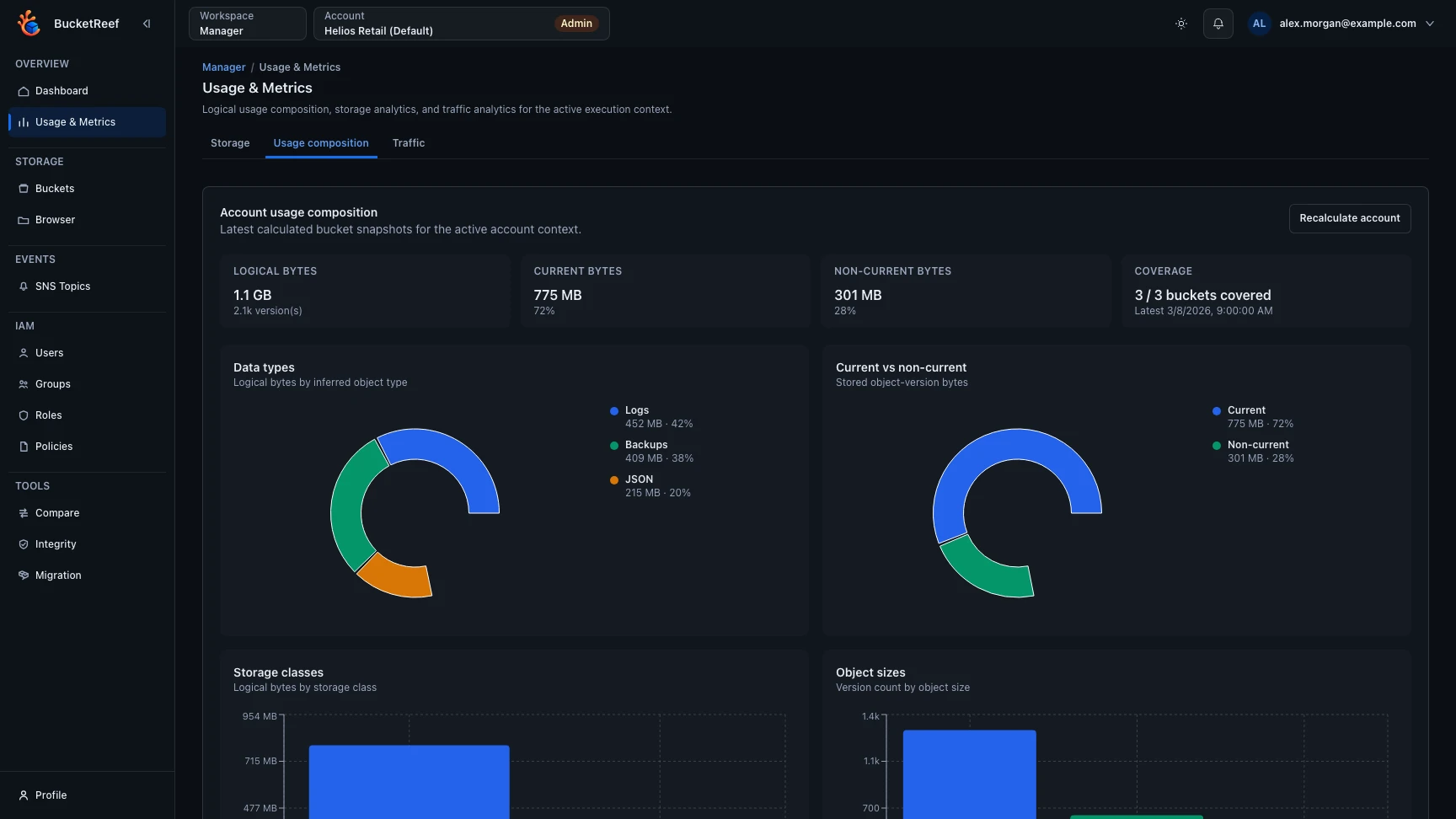
Explore the workflowSee storage growth, quota consumption and activity at a glance. Move from the dashboard to the details that need attention.
Explore the workflowEVERYDAY ADMINISTRATION
Configure versioning, lifecycle, quotas and permissions where your team already works. The available controls follow your backend’s capabilities.
See bucket configurationMORE WAYS TO MANAGE
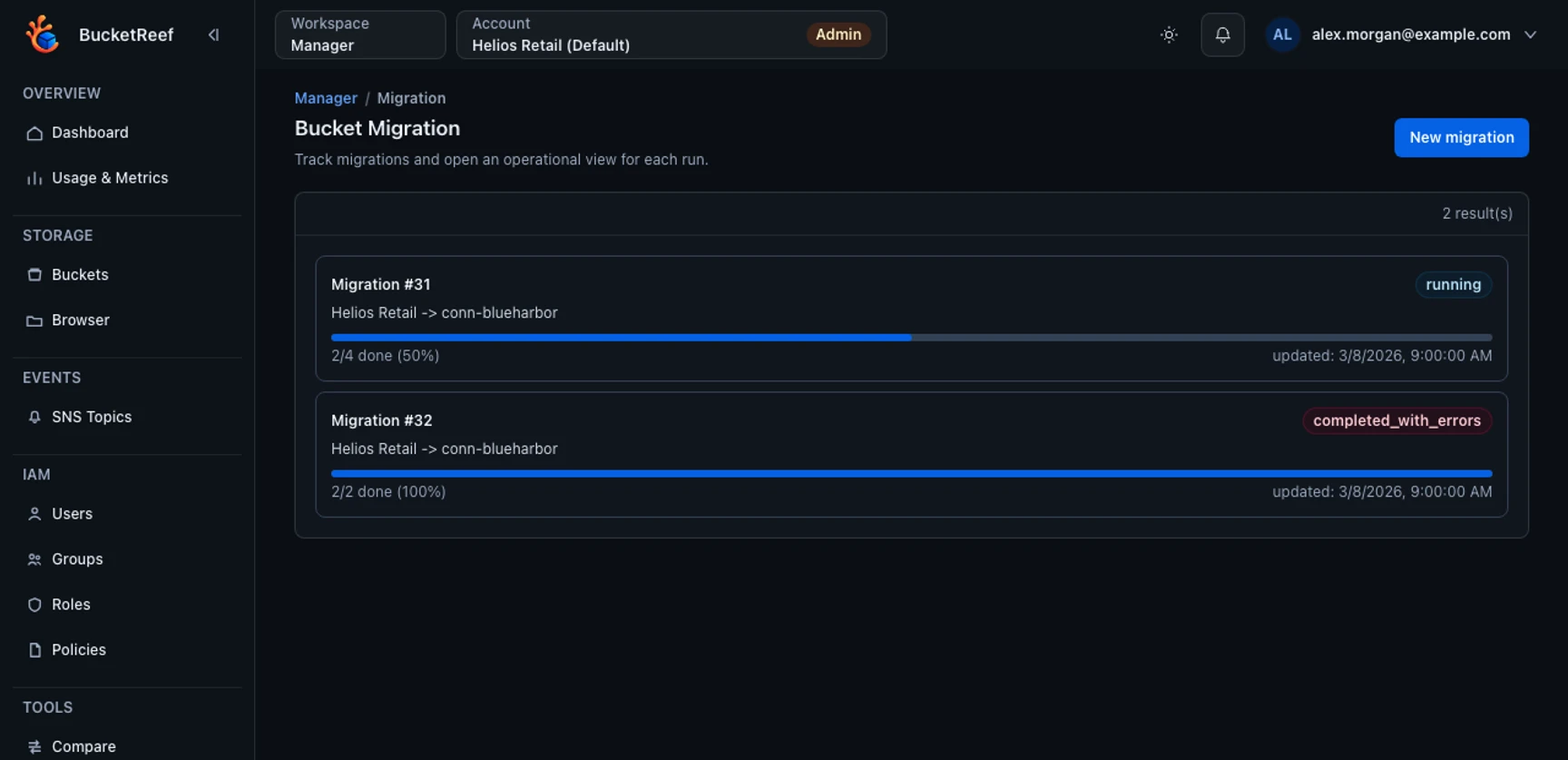
Compare bucket state, verify object integrity and run guarded purge workflows from the Manager workspace. Keep progress and failures visible while you work.
02 / Portal
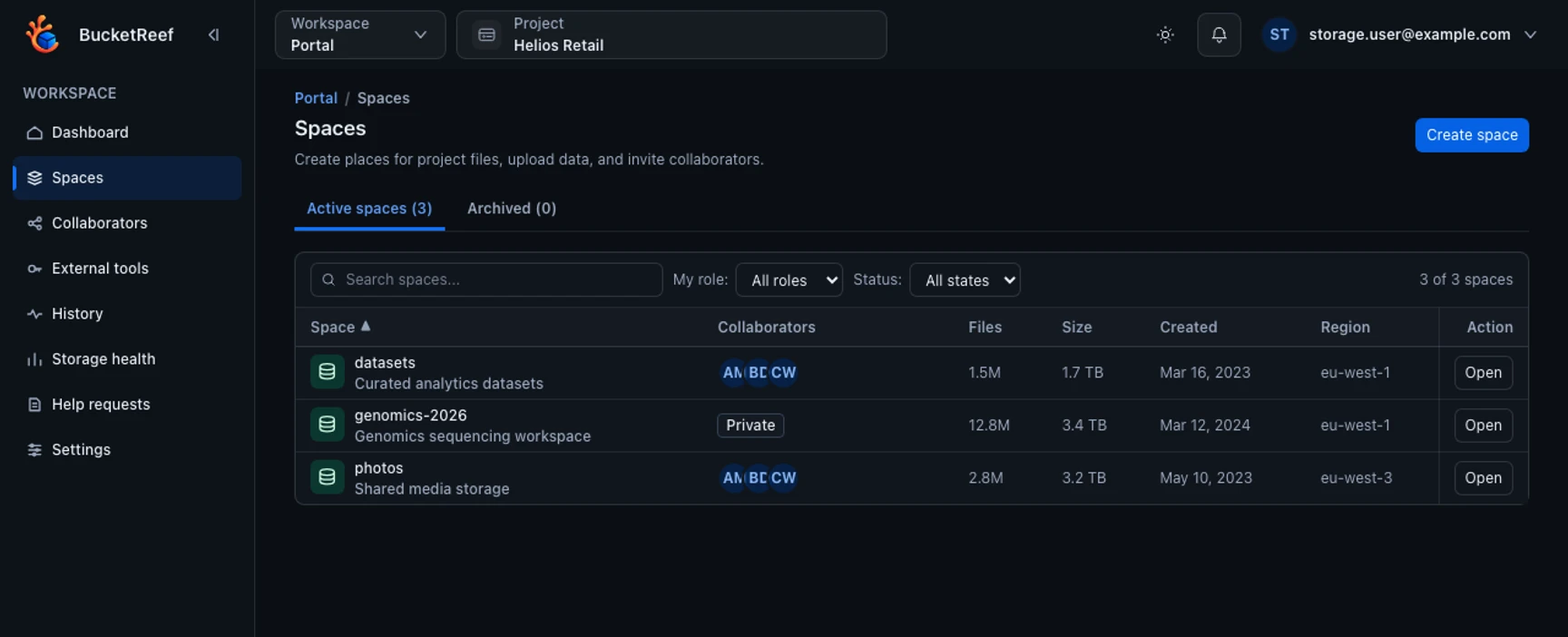
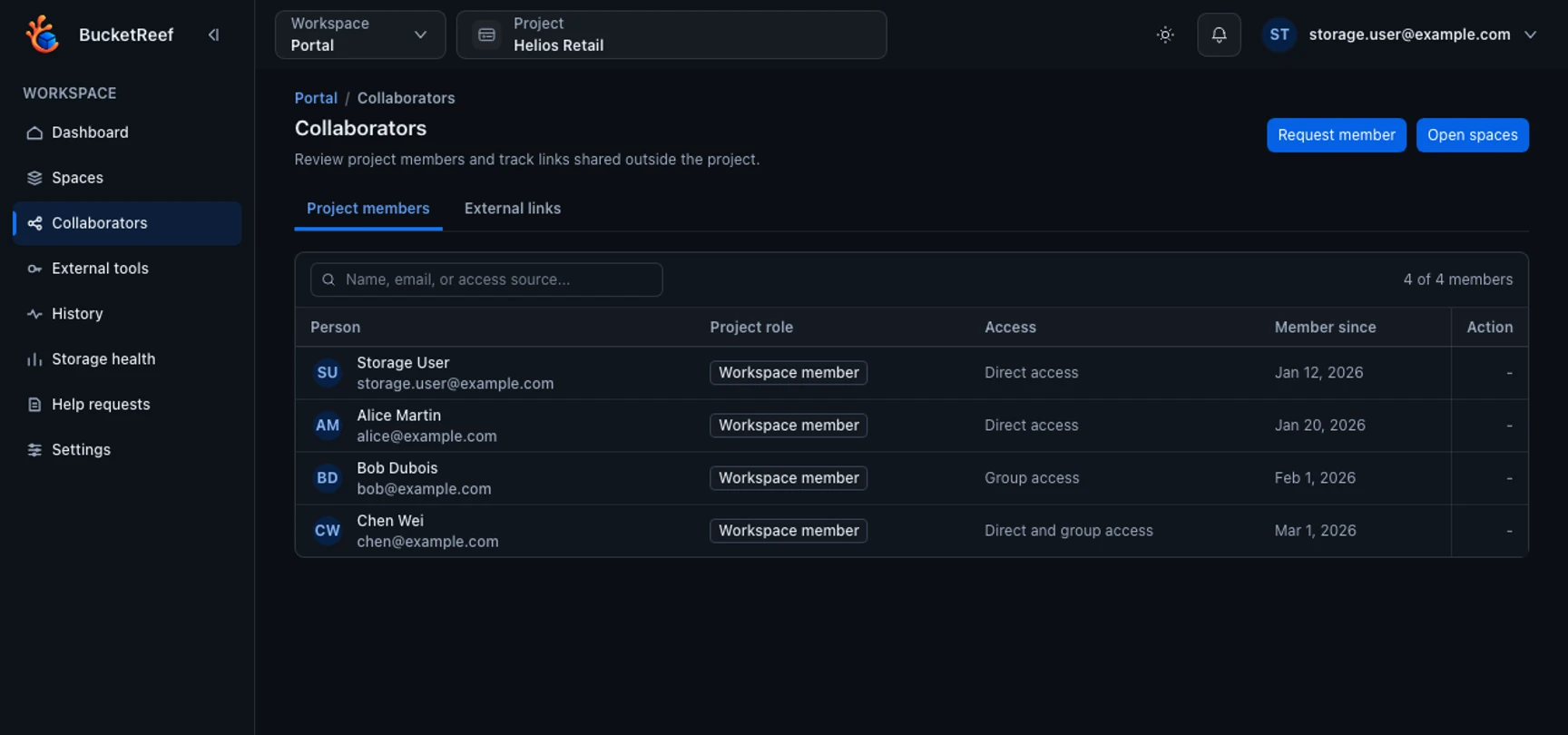
Give people a simpler way to use your Ceph storage. Shared spaces, everyday file tasks and clear access, without the S3 configuration surface.
03 / Browser
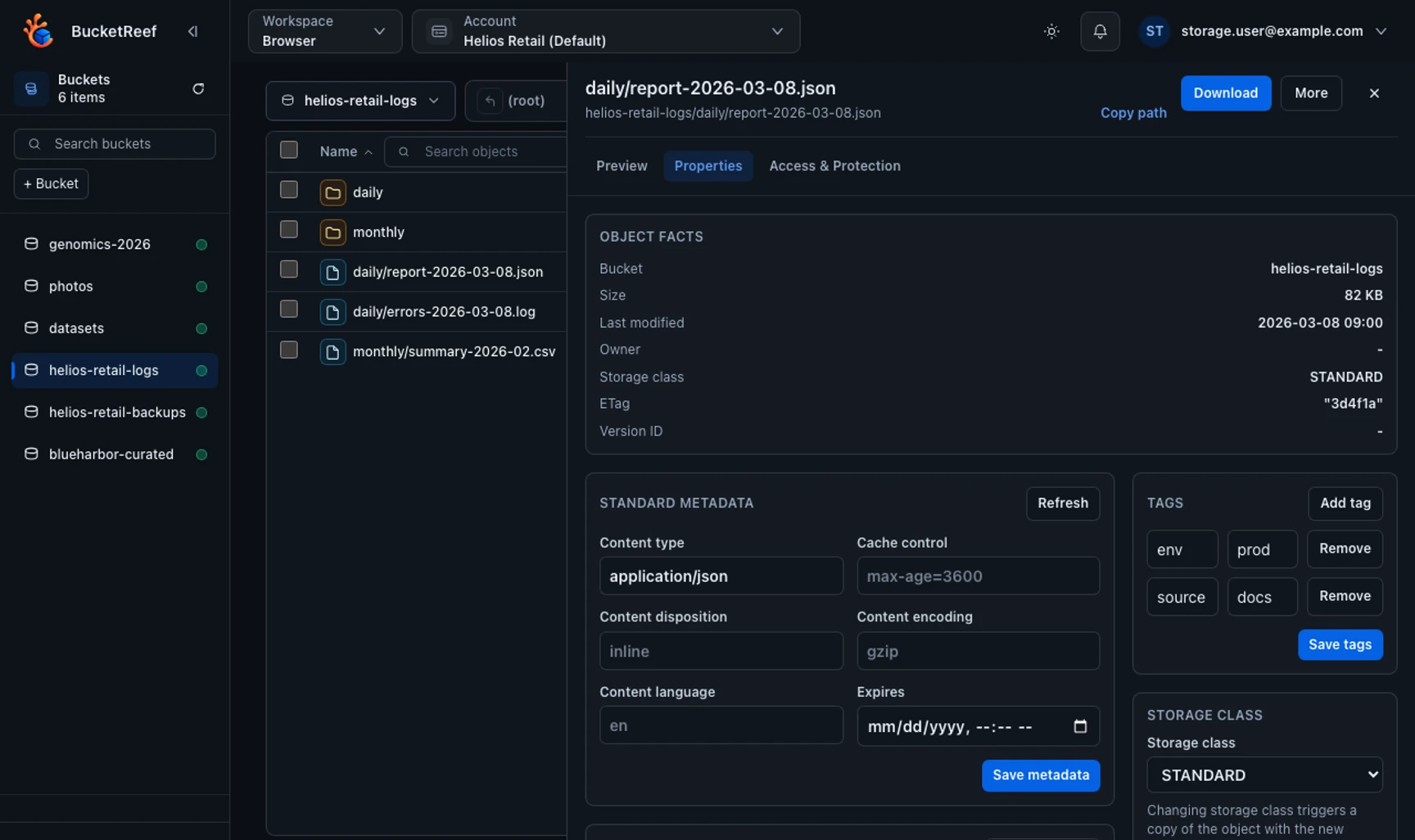
A focused browser for S3-compatible storage. Explore prefixes, inspect metadata, preview files and work with object versions in one place.
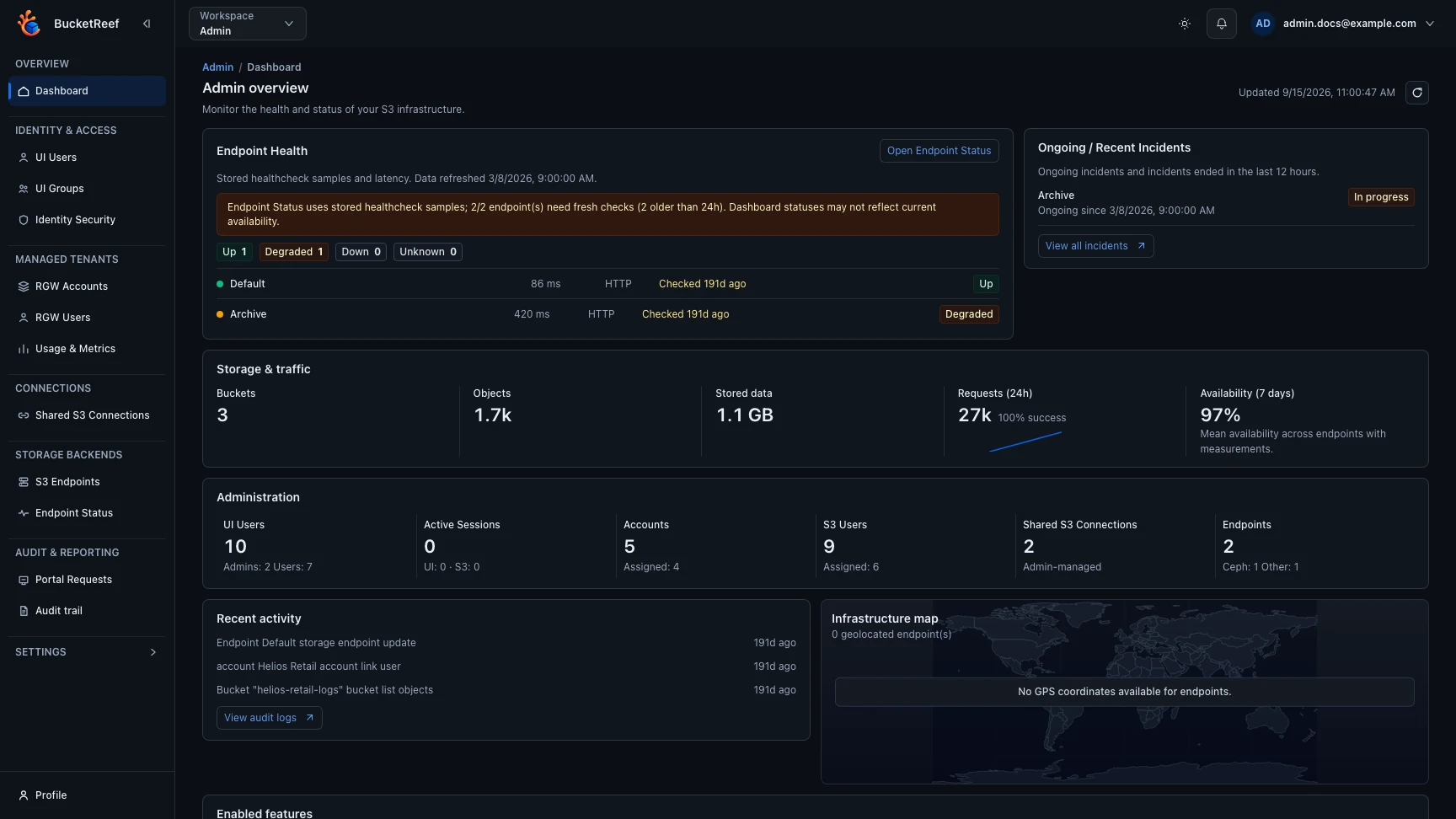
04 / Ceph operations
Look across accounts, users and buckets. Combine advanced criteria to turn a large inventory into the resources that need your attention.
Explore advanced filteringGOVERN THE PLATFORM
Open source. On your infrastructure.
Start a local evaluation with published Docker images, without cloning or building sources. Connect your Ceph RGW endpoint, then give your first team a workspace.
curl -fsSL https://bucketreef.ksperis.com/quickstart.sh | shBetaBucketReef is in beta. The quickstart is for local evaluation; see the deployment guides for a complete setup. Most administration capabilities require Ceph RGW.